REV23 Payments

Card fees don't have to come out of the studio's share.

Cover card fees with surcharging on eligible credit-card payments. Choose processing that fits your studio's size and volume.

See how surcharging works

Midnight Matinee Tattoo

Ingrid Palmer

Ready to pay

Tattoo

Victoria Vale · rose tattoo, upper arm

$260.00

Deposit applied−$50.00
Tip (20%)$52.00
Credit card surcharge (3%)$7.86

Card total

$269.86

Cash

Card

Gift

Split

Card fees

See what those card fees add up to.

Recover eligible credit-card processing costs instead of absorbing them, with Stripe or Fiserv.

Monthly card volume

$150 / month

That adds up to $1,800 a year at 3%. REV23 can recover eligible credit-card fees consistently at the point of sale.

Illustration only. Actual rates, eligible transactions, and recovered amounts vary.

Cover card fees on online deposits.

Surcharging works when clients pay their deposit online and when they settle up in the studio.

Only eligible credit cards

The processor checks eligibility and applies the approved cap. Debit and prepaid cards, cash, gift cards, studio credit, and the non-card part of a split payment are not surcharged.

Show the fee first

The client sees the applicable fee before authorization. The receipt records it with the payment.

Keep the books straight

Refund a card payment and REV23 updates the fee and reports with it.
Card processing

Choose Stripe or Fiserv.

Both run the deposit paid at booking and the balance paid in the studio through the same connected account, so the terminal never becomes a second system to reconcile. Choose based on setup, monthly card volume, processing rates, and the hardware you want in the studio. Stripe works with REV23. Fiserv works with REV23 and REV23 Desktop.

Multiple locations can connect separate merchant accounts, so each studio's card sales settle to its own account.

Stripe

Self-serve setup

Self-serve setup with published pricing.

Complete Stripe’s guided business verification online and start processing as soon as the account is approved.

A good fit when

  • You want an online setup from start to finish
  • You prefer a published processing rate
  • Online deposits are a large part of your card volume
  • Stripe’s published processing rate, plus a 1% REV23 fee
  • Guided verification and account setup managed by Stripe
  • No long-term processing contract
View current Stripe pricing

Stripe setup starts inside REV23.

Reader options

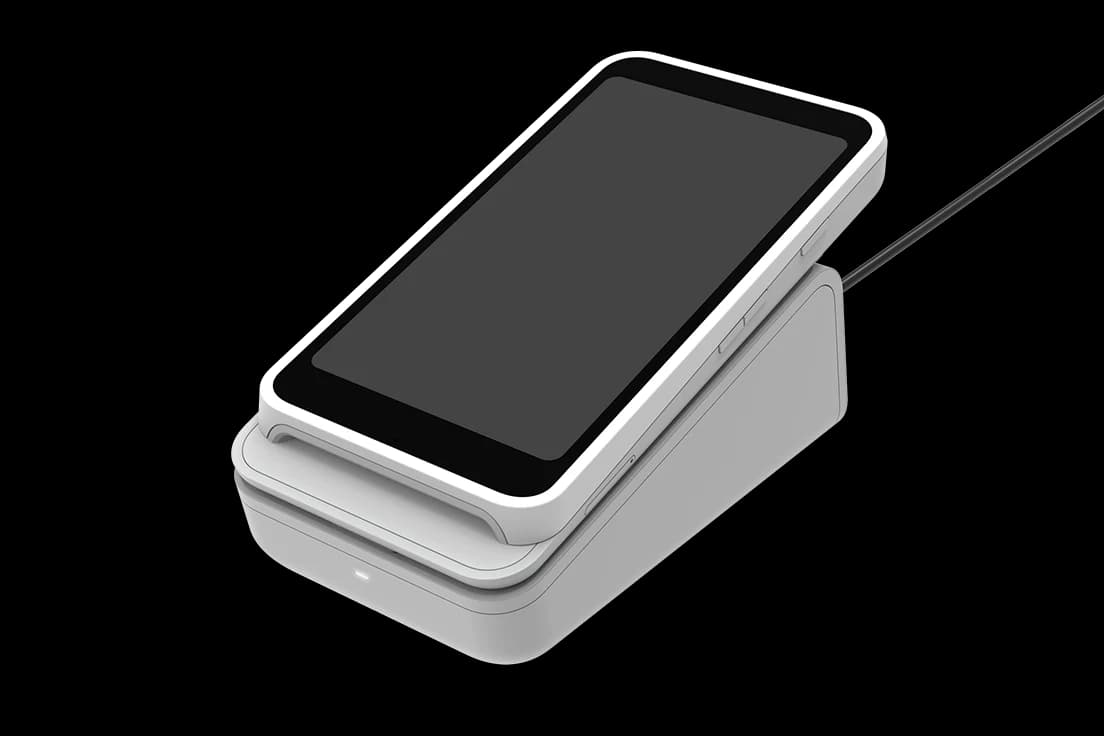
Stripe Terminal S700 card reader in its countertop dock

Stripe Terminal S700

Countertop or handheld smart reader

Stripe Reader M2 and mobile mount

Stripe Reader M2

Compact Bluetooth reader

Fiserv

Usually 24 to 48 hours

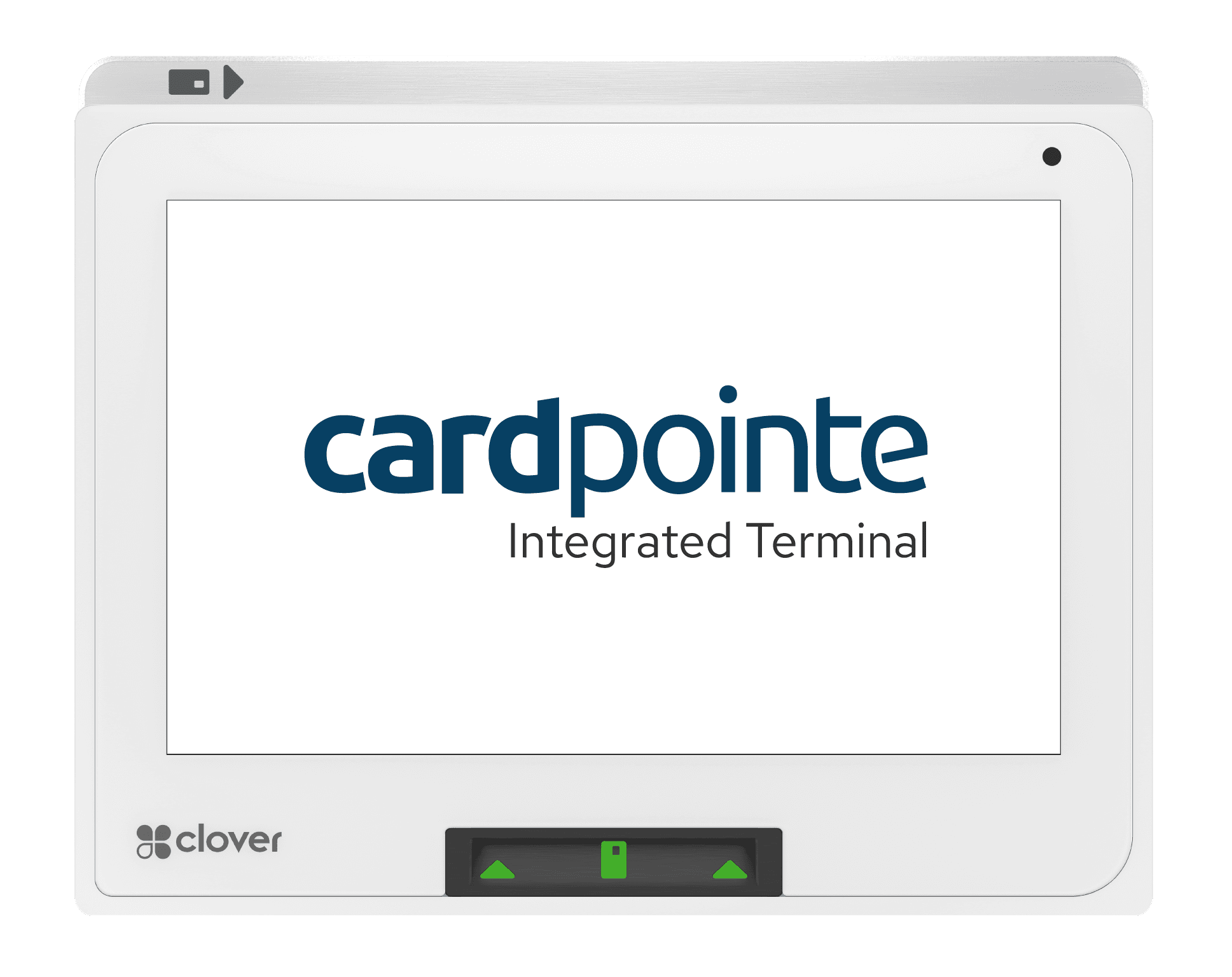
Negotiated rates and Clover hardware.

A payments specialist follows up after you apply. Once the application is signed, onboarding usually takes 24 to 48 hours.

A good fit when

  • You process enough volume to benefit from a rate review
  • You already have a Fiserv merchant relationship
  • You want Clover hardware at the counter or on the floor
  • Negotiated processing rates that can cost less at higher volume
  • A payments specialist typically follows up within an hour
  • No separate REV23 fee added to Fiserv transactions
  • Works with both REV23 and REV23 Desktop

Apply with Fiserv, then connect the approved account inside REV23.

Apply with Fiserv

Reader options

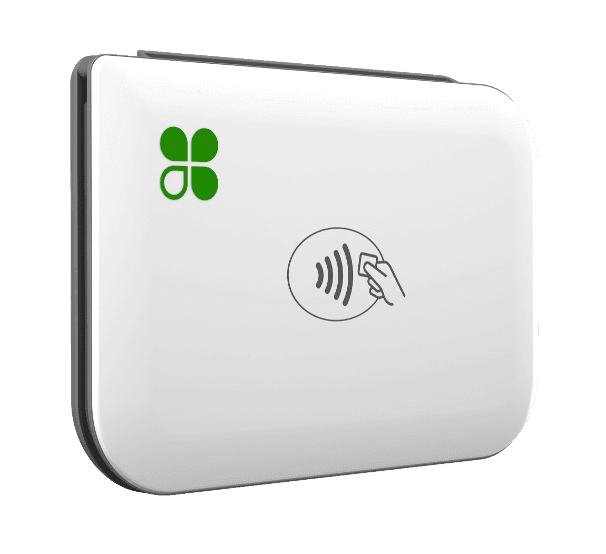
Clover Mini 3 countertop payment terminal

Clover Mini 3

Compact countertop terminal

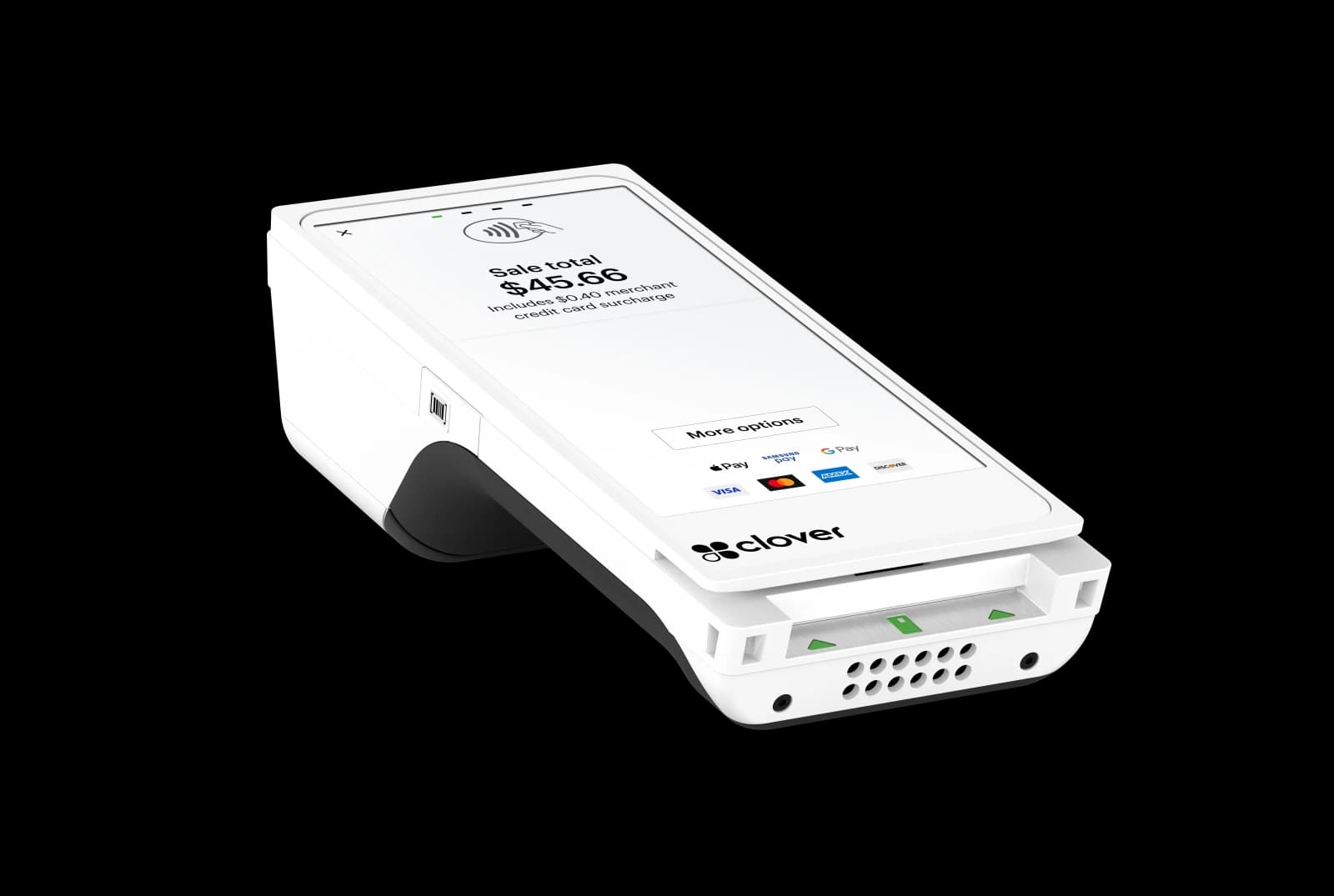
Clover Flex handheld payment terminal

Clover Flex

Handheld all-in-one terminal

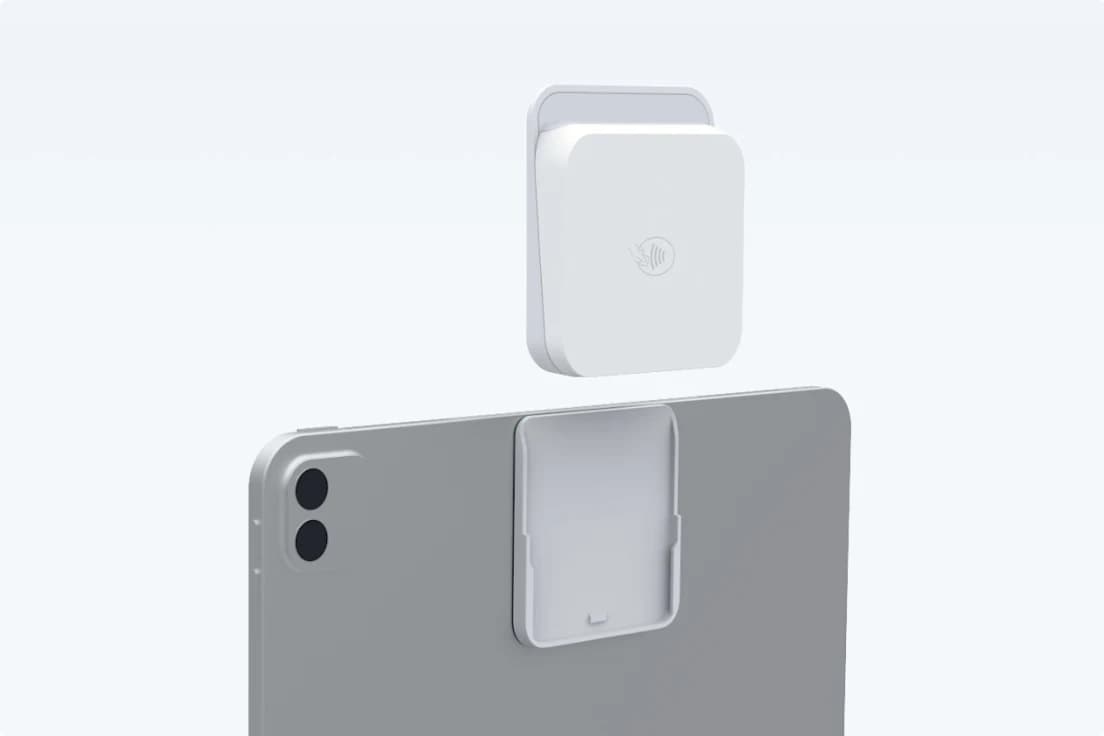
Clover Go mobile card reader

Clover Go

Bluetooth reader for phone or tablet

Which processor fits you?

Talk through payments

Processor approval, pricing, settlement timing, and hardware availability depend on the processor and merchant account.

Included with every plan

Connect the processor that fits you.

The point of sale is part of REV23, not an add-on. Stripe and Fiserv charge their own card-processing fees on the connected merchant account.