Forms & consent

A release form should do more than cover you.

Clients can sign before the appointment or at the studio. REV23 keeps the complete record with the service, then turns the answers worth seeing into a quick review before anyone picks up a needle.

Follow the form
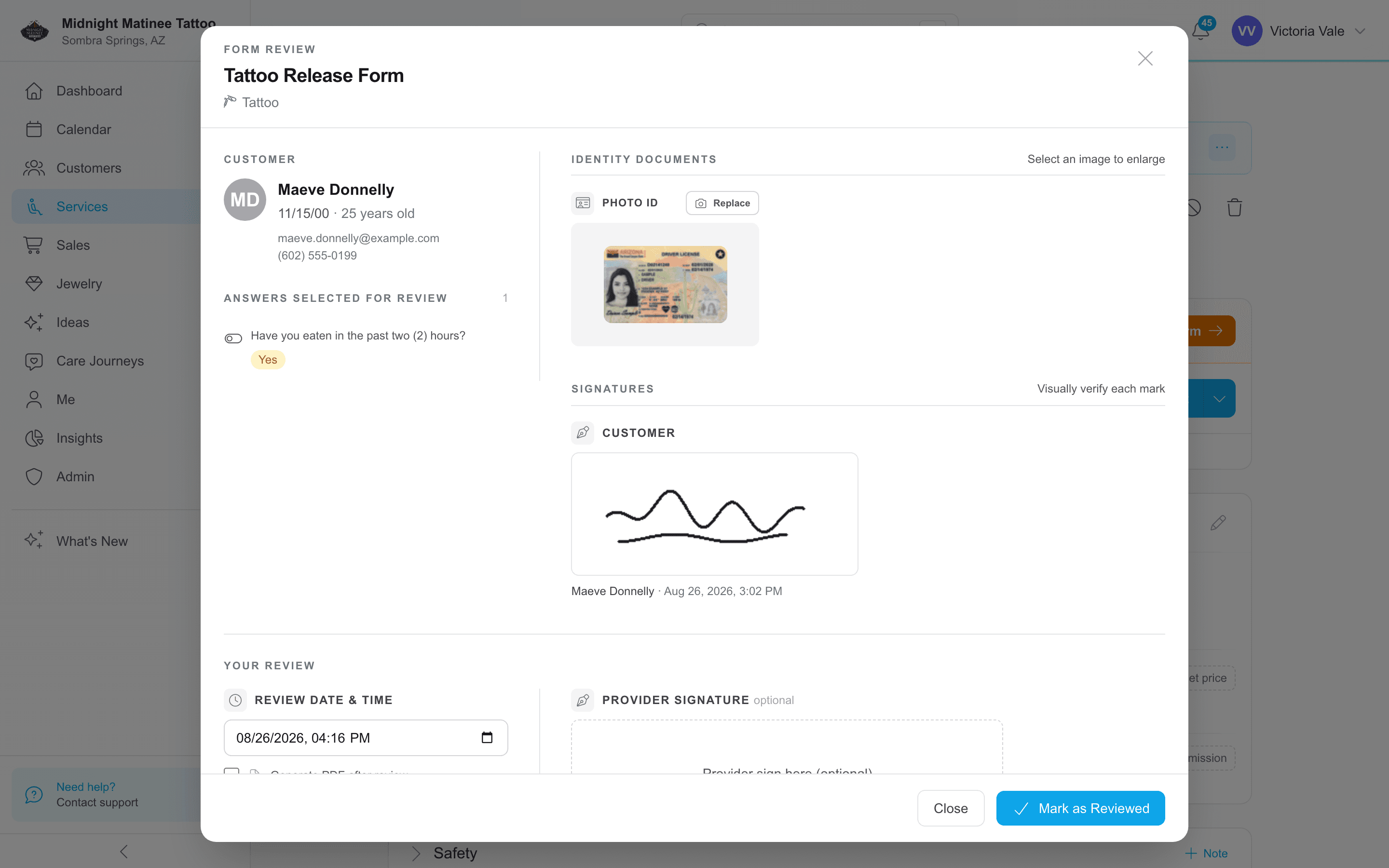
Form review / The answers the artist needs before the service
REV23 review of a completed tattoo release form with an Arizona sample ID, the selected answer, the client signature, and the review action

Web Sign

Release forms without the kiosk line.

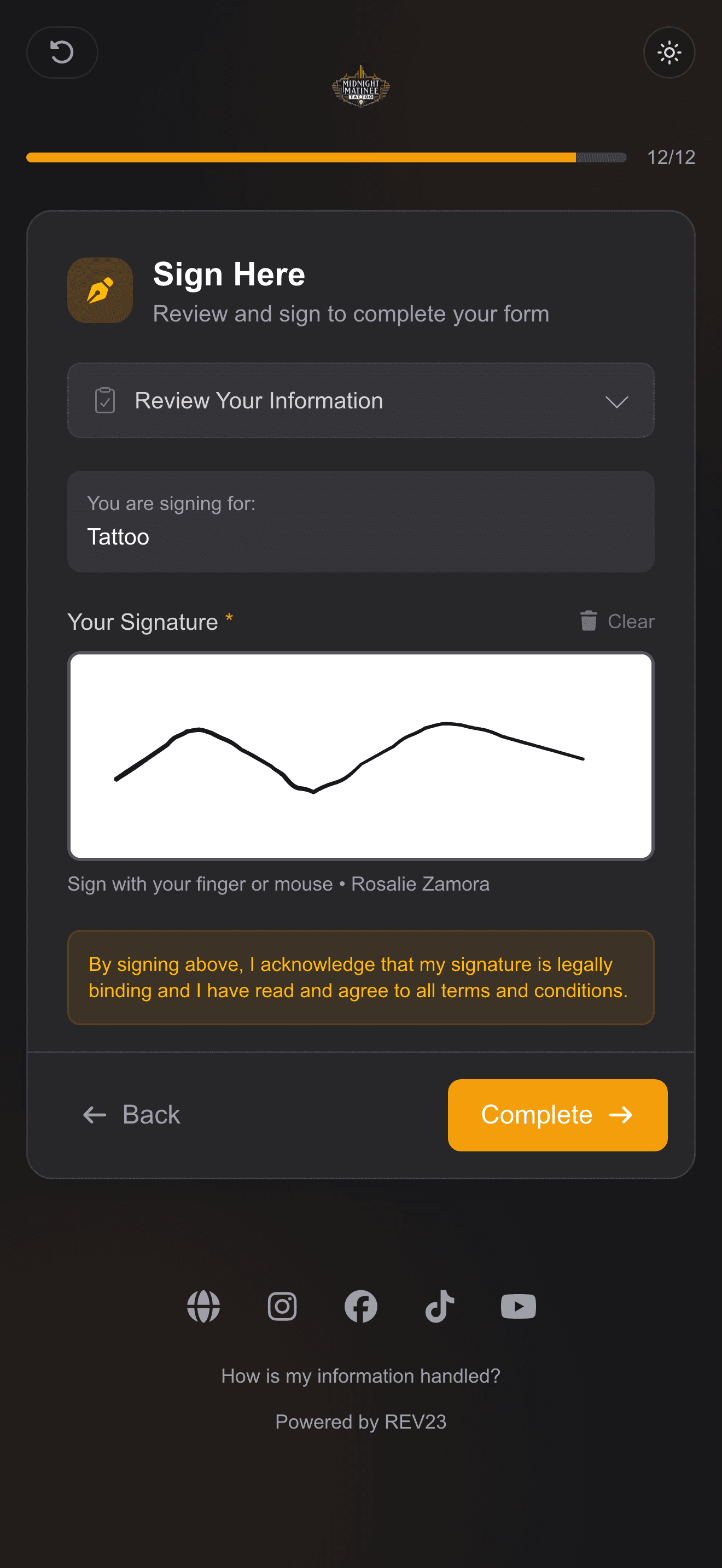
Clients sign on their own phone, before they arrive or by QR code at check-in. Autofill helps them finish faster, and automatic reminders mean less admin for you.

Web Sign / Client phone
REV23 Web Sign flow for completing a body art consent form on a phone

Review before service

See what needs your attention before you begin.

See whether every required piece is there and whether anything needs a conversation. Missing IDs or signatures stay obvious. Declared medical conditions and the answers you chose are already pulled forward.

Is it filled out properly?

Everything required, or exactly what is missing.

Required answers, photo ID, guardian ID when needed, and every required signature stay together for one clear check.

Required answers

Complete

Photo ID

On file

Customer signature

Mark verified

Guardian signature

Missing

Client, guardian, and artist marks appear with the signer name and signing time when they apply.
What do I need to know?

The answers worth a conversation are already pulled forward.

Medical conditions stay in view, and any question in the form can join them when the artist wants to see its answer before starting.

Medical conditions

Disclosed

Have you eaten in the past two hours?

No

Can we use your photos on social media?

No

The photo-use question is an example of a custom question an artist may choose to review.

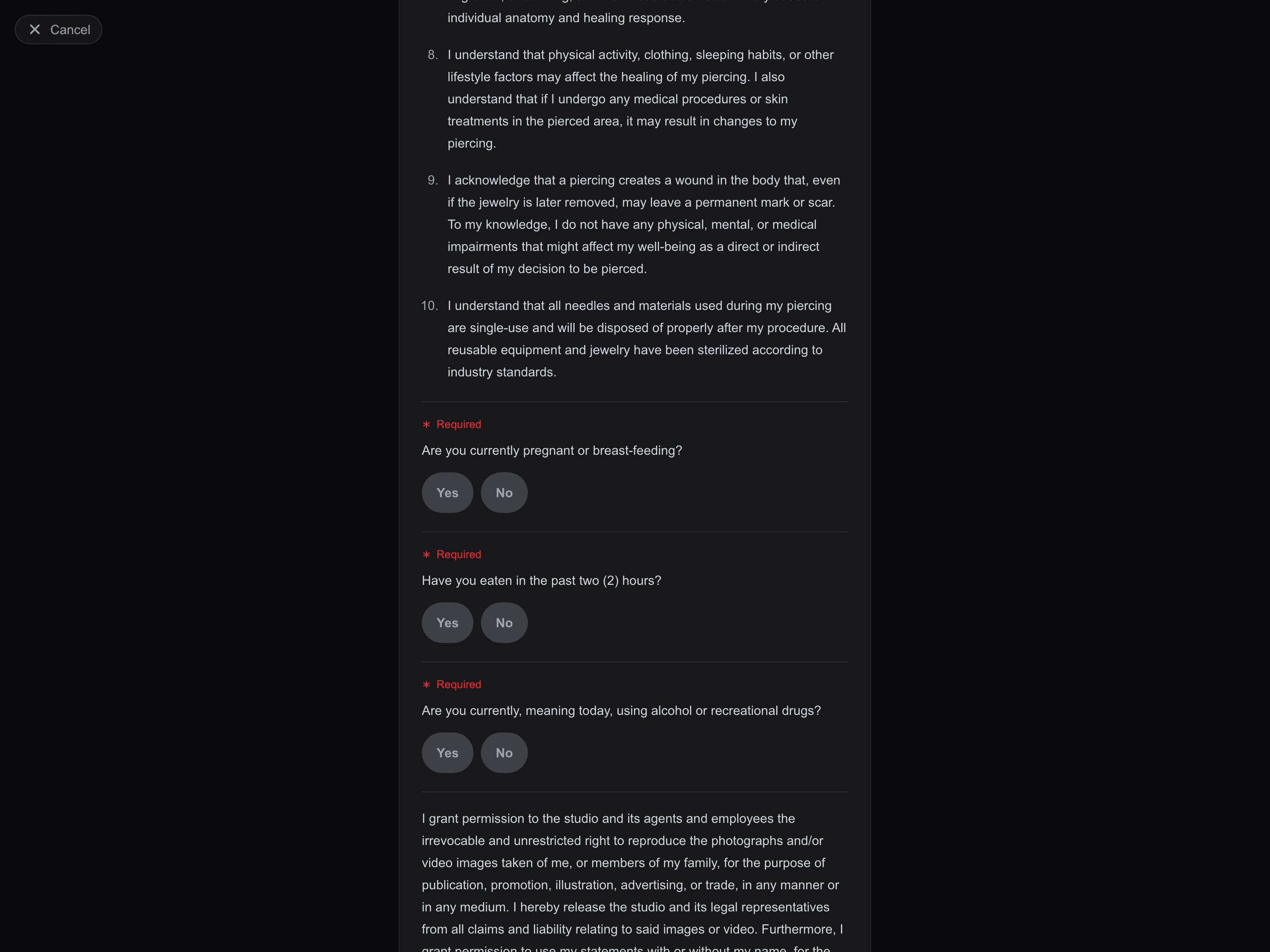
Kiosk / Terms & Conditions
REV23 tablet kiosk showing the disclaimers in a Midnight Matinee Tattoo consent form

Kiosk check-in

Walk-ins can start at the studio tablet.

Kiosk mode locks the tablet to check-in and signing, so nobody's peeking into your texts and photos.

A faster start at the kiosk, whether they're new or returning.

New clients

Scan a supported driver-license barcode to enter their information and create their record.

Returning clients

A one-time passcode verifies the client and brings their existing information forward.

  • Create the client, collect the required forms, and start the visit at the studio.
  • Reset the kiosk after each client so the next person starts clean.
  • Show off your portfolio between check-ins.

Template designer

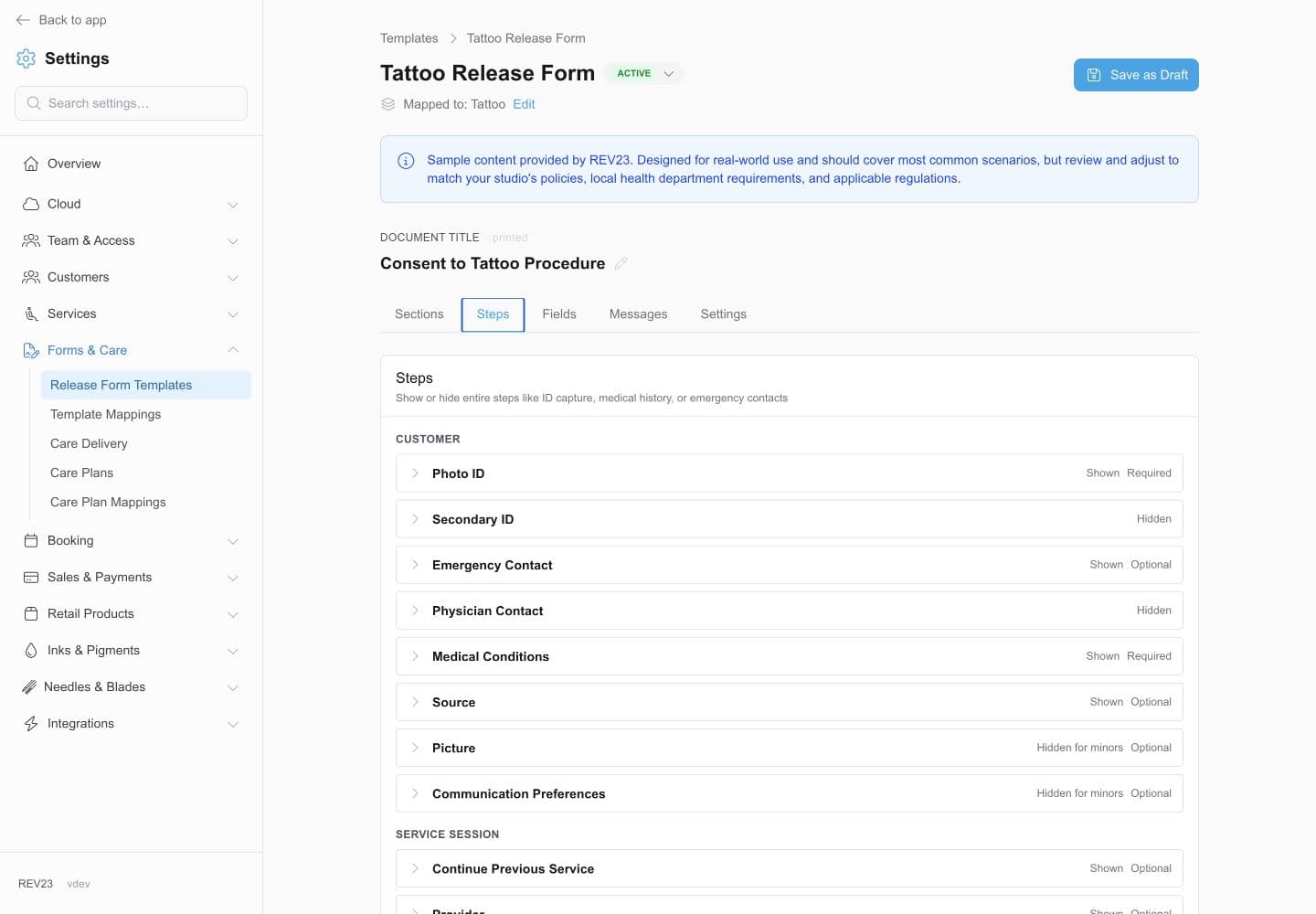
You don't have to write a body art release from scratch.

Start with included releases for tattoo, piercing, PMU, microblading, and removal. One template can adapt for adults and minors without becoming two forms to maintain.

Tattoo Release Form / Steps and requirements
REV23 Tattoo Release Form designer showing required identity, medical, contact, and service steps

Body art forms are already there

Begin with real language for the work, then make it yours.

Adults and minors can share one form

Guardian details and co-signing appear only when they apply, including remote co-signing when allowed.

Special services can carry their own language

Use one release broadly, then give a particular service or location its own form when it needs more.

Edit the next version without interrupting the current one

Keep collecting signatures while a draft changes. Completed forms retain exactly what the client signed.

Create your REV23 studio.

Pick the .rev23.com address you want. Every feature is included in your 14-day free trial. No contracts. No credit card required.